First 30 Days in Your New Home: A Practical Checklist
Homeowner Info Nov 5, 2026 · 3 min read
Alta Homes Team

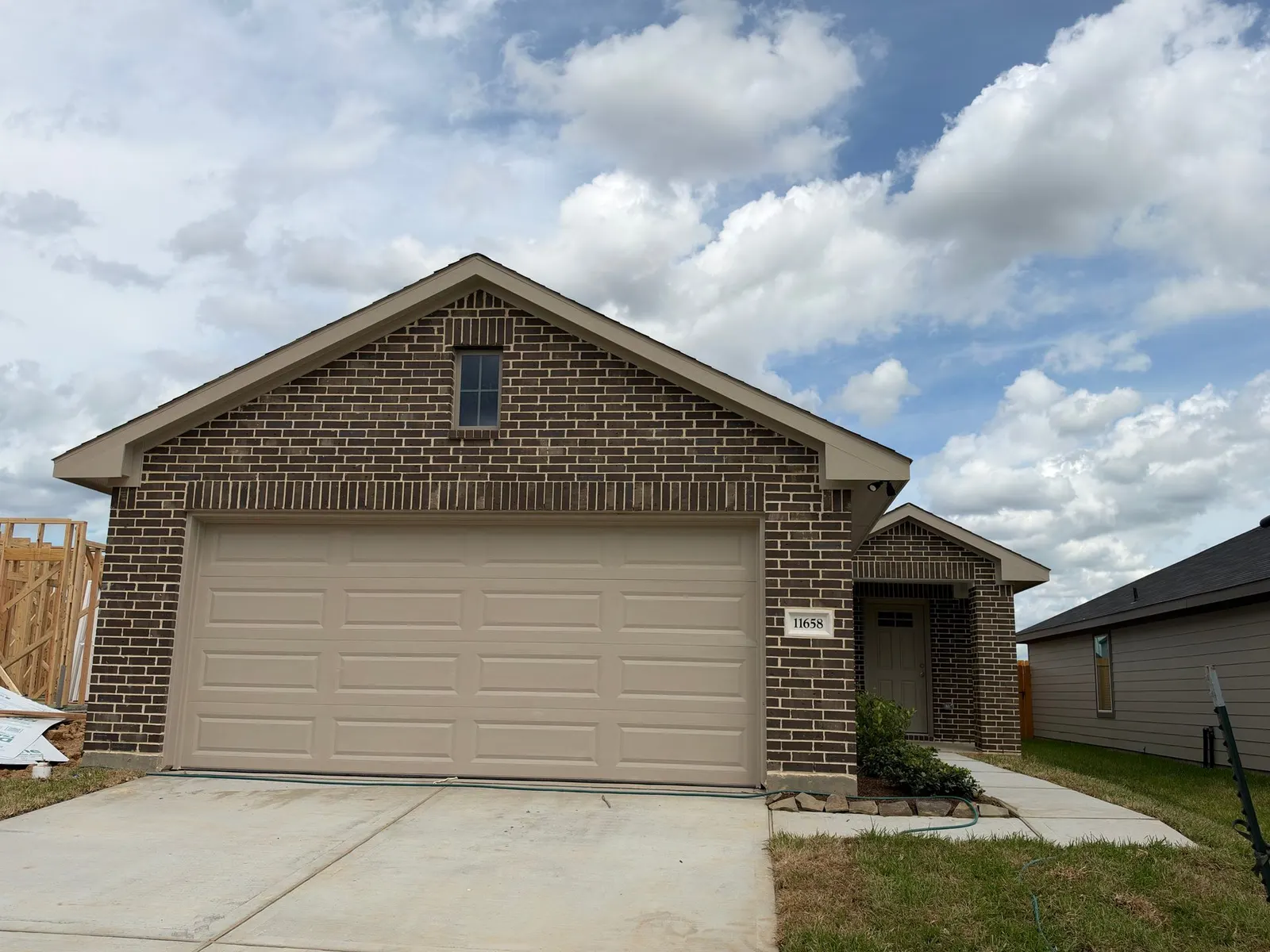
An entryway from Alta’s home gallery. Features and finishes vary by home and community.
Your first month is a good time to turn closing papers, operating notes, and maintenance instructions into a routine. We have grouped the essentials below so you can print the list and check off each task. Follow any earlier deadline in your loan, insurance, warranty, or product documents.
Week one: save the records and set up access
- Create a protected home file. Save the final loan and purchase documents, including the Closing Disclosure, promissory note, mortgage or deed of trust, and deed. The CFPB’s after-closing guide identifies these records and warns that official-looking mail may be advertising or a scam, even when it names your lender.
- Add the household records. File insurance and association documents, service accounts, walkthrough notes, and inspection reports. Keep financial details and access codes out of folders shared with contractors.
- Bookmark our support page. Set up or check your Buildertrend access using the instructions on our warranty page. Keep your home’s warranty booklet and completed service forms with the home file. The booklet contains written notice requirements that still need to be followed when you use an online route.
Before day 30: update your Texas records
- Change your license or ID address. Texas DPS requires an address update within 30 days after moving. Start early if an office visit is needed.
- Prepare your homestead application. The Texas application generally requires a license or state ID whose address matches the home, with specified exceptions. Update the address, then check your eligibility and filing timing with Montgomery Central Appraisal District. This is a first-month planning task, not a separate 30-day homestead deadline. Our property tax and homestead guide explains the next steps.
Week two: record the equipment and controls
- Build a short equipment list. Save each appliance or system’s model, serial number, manual, registration instructions, and service contact. Note the thermostat controls, filter size and location, main water shutoff, and electrical panel.
- Save product care instructions. Use the directions for the actual installed product when choosing cleaners or maintenance methods. Take dated reference photos of rooms and finishes.
- Know the manufacturer route. Our form instructions direct manufacturer-warranty items, such as appliances, to the manufacturer. The warranty booklet also asks you to notify Alta when you make that claim.
Week three: put maintenance on the calendar
- Start with the warranty booklet. Its homeowner maintenance sections cover 17 parts of the home. The HVAC section calls for replacement of air return filters every 30 days and upkeep of condensation drain lines. Use the equipment instructions for the correct materials and procedure; the booklet excludes damage from omitted or improper routine maintenance.
- Add seasonal reminders. Record the task, next due date, person handling it, and completion date. Our annual maintenance guide and fall and winter guide help organize the year.
- Read before arranging a repair. The downloadable Warranty Service Request Form explains written approval, approved contractors, and charges for non-warranty or missed visits. Check it before hiring someone for a possible warranty repair. Address an immediate safety problem first and follow the booklet’s emergency provisions.
Week four: close the loop
- Review open items. Keep each submission date, description, photos, any reference provided, and the latest response together. Our published contact window is three business days, with service appointments Monday through Friday, 8 a.m. to 5 p.m. That is the first-contact window, not the repair-completion time.
- Set next month’s reminder. Complete the first filter change as directed, save receipts, and review upcoming tasks. Report concerns when they arise rather than waiting for a calendar review.
Questions about your home’s documents or support access? Email [email protected] so we can help you find the right next step.